


01
Create Project
Set scope, dates and project details
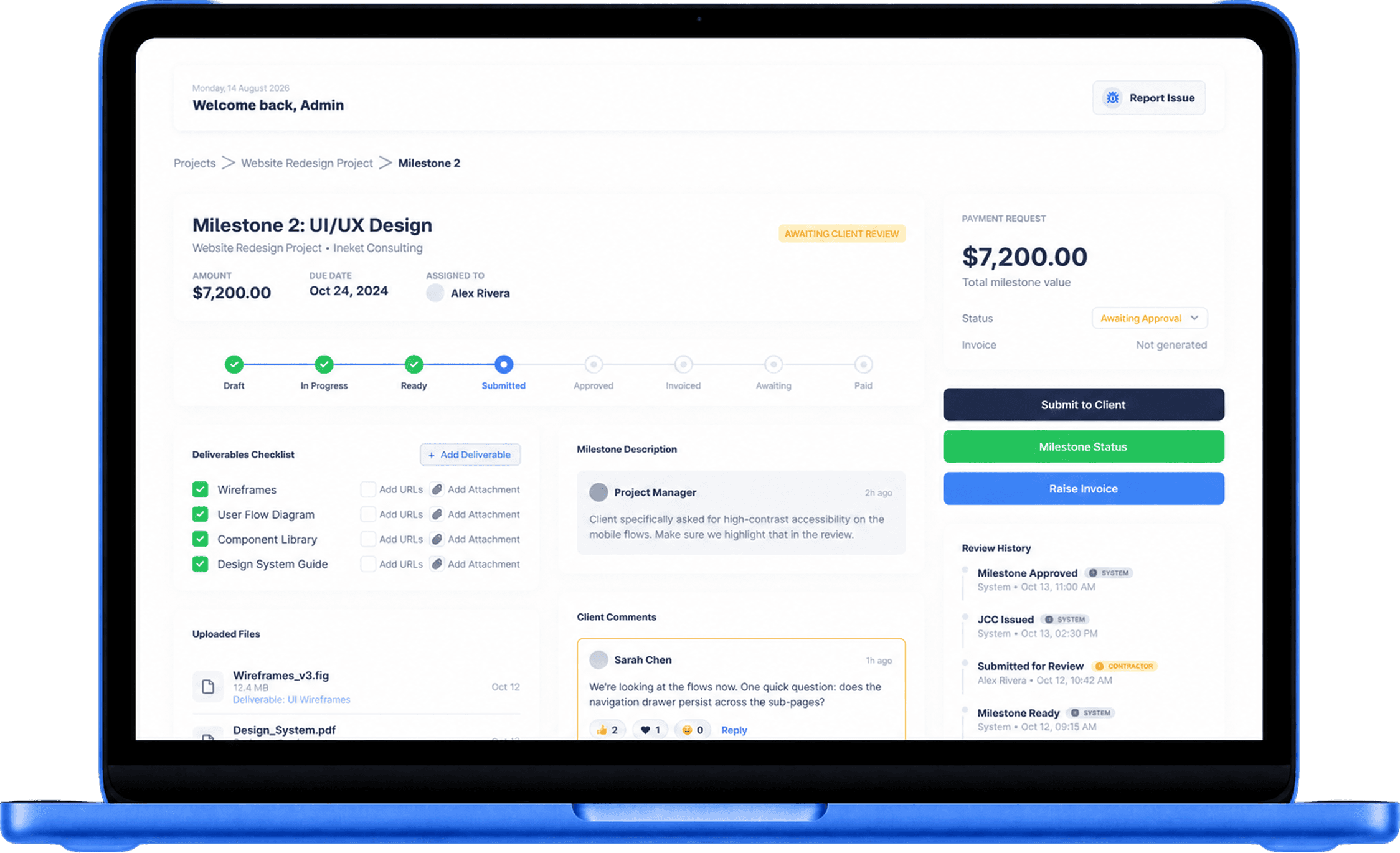
Give clients one clear place to follow milestones, review deliverables, approve work and track payments, without putting them in your internal project management tools.
Core value
Attach files, links, notes and completed deliverables to each milestone, so clients can clearly understand what has been delivered, what they are approving and what the payment covers.
Your team can work in Jira, Azure DevOps, Trello, ClickUp, Figma or any internal system. Clients only see the review page they need, without access to internal tools or sensitive information.
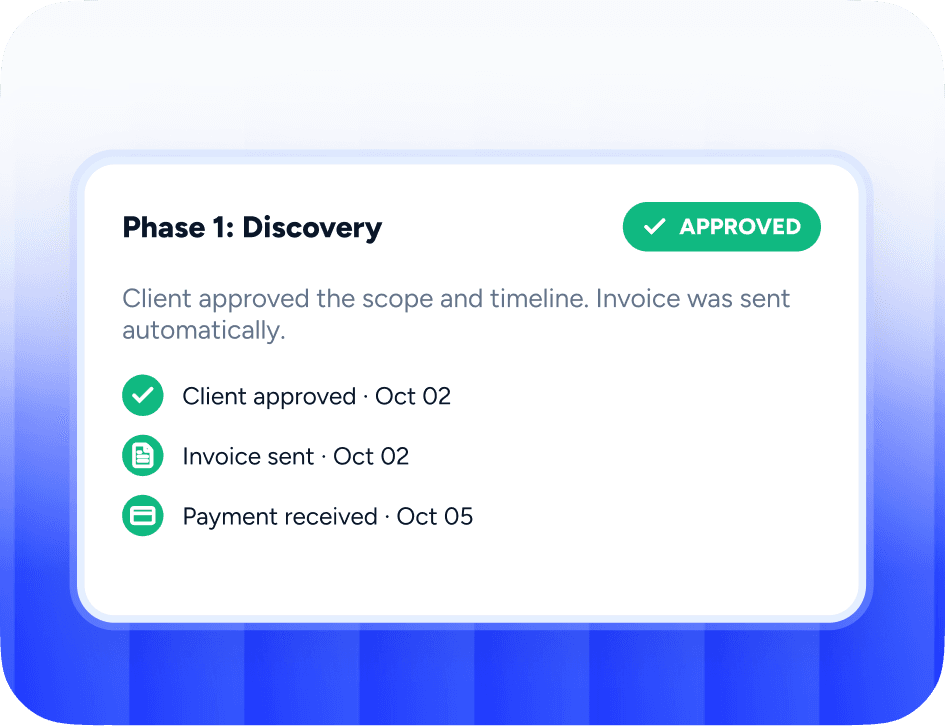
Once a milestone is approved, the payment request becomes clear, traceable and easy to follow, giving both you and your client confidence in what has been approved and when payment is due.
Give clients one clear place to see progress, review deliverables and understand what comes next, reducing repetitive status emails, follow-ups and unnecessary meetings throughout delivery.

Too often, clients receive invoices without a clear view of what was completed. Teams then chase approval through emails, chats and screenshots. StageDue brings the milestone, proof of work, client approval and payment status into one simple workflow.
WORKFLOW
A clear project delivery flow that keeps clients informed, approvals visible and your team aligned from start to finish.
Set scope, dates and project details

Break delivery into clear stages

Show clients exactly what is being delivered

Attach files, links, updates and completed work

Review progress, comment and request changes

Follow the payment workflow selected for the project

Close out delivery with a clear project record
Client review page
Software Development - Phase 1: Discovery
Due: Oct 18 • Amount due: A$4,800
What was promised
Deliver a discovery report, wireframes and a functional prototype for review.
What was delivered
Discovery report (PDF), wireframes (Figma), prototype (InVision), and a summary checklist.
Proof of work
Acceptance criteria
Client confirms the scope, timeline and deliverables match the agreed milestone.
Client comments
"Looks great. Please confirm the payment instructions below."
Payment status
Awaiting paymentInstead of giving clients access to your internal project board, give them a clean review page that explains the work, the evidence and the payment request.
Why milestone-based payments?
Agile breaks work into small pieces delivered in short cycles with checkpoints. It helps all teams and clients stay aligned. Linking payment to milestones protects both sides: clients get reviewable value, and teams get predictable funding.
Small, usable pieces of work delivered regularly.
Short reviews to confirm progress and align next steps.
Funding tied to completed work you can review and approve.

Payment
The platform can show PayID instructions, bank transfer details, Stripe payment links or Xero invoice links. Payments go directly through the nominated bank account or payment provider. The platform only tracks the payment request and status.
No wallet. No escrow. No held funds. Just milestone review, invoice clarity and payment tracking.
For

Clear deliverables and approval before invoicing.

Evidence-based payment requests for sprints and releases.

Share proofs and approvals in one clean workflow.

Keep clients aligned across milestones and invoices.

Milestone-based payment tracking with clear evidence.

Standardize review & payment workflows across teams.
Dashboard
Active projects
12
Awaiting client review
3
Approved but unpaid
2
Overdue payments
1
Paid this month
A$18,400
Disputed milestones
0
Features
Define project phases with deadlines, deliverables, and approval gates. Never lose track of where a project stands.
Track completed items and evidence of delivery in one place.
Attach files, screenshots, links and notes to each milestone.
Share a clean review page without giving clients access to your internal tools.
Clients can approve, request changes, ask a question or dispute the milestone.
Show payment instructions and status alongside the approved milestone.
Display payment details clearly on the client review page.
Connect payment providers to keep payment status in sync.
Clients can upload proof of payment for manual confirmation.
Mark payments as received when clients say they've paid.
Track who submitted work, who reviewed it, what was approved and when payment was requested.
Monitor awaiting payment, paid, overdue, disputed and client-says-paid across all projects.
Integrations
Connect StageDue with the systems your team already uses for payments, accounting, files, communication and project work.








Audit trail
Track who submitted work, who reviewed it, what was approved, when payment was requested and when payment was confirmed.

Create a simple review and payment workflow that connects delivered work, client approval and payment status without exposing your internal delivery process.